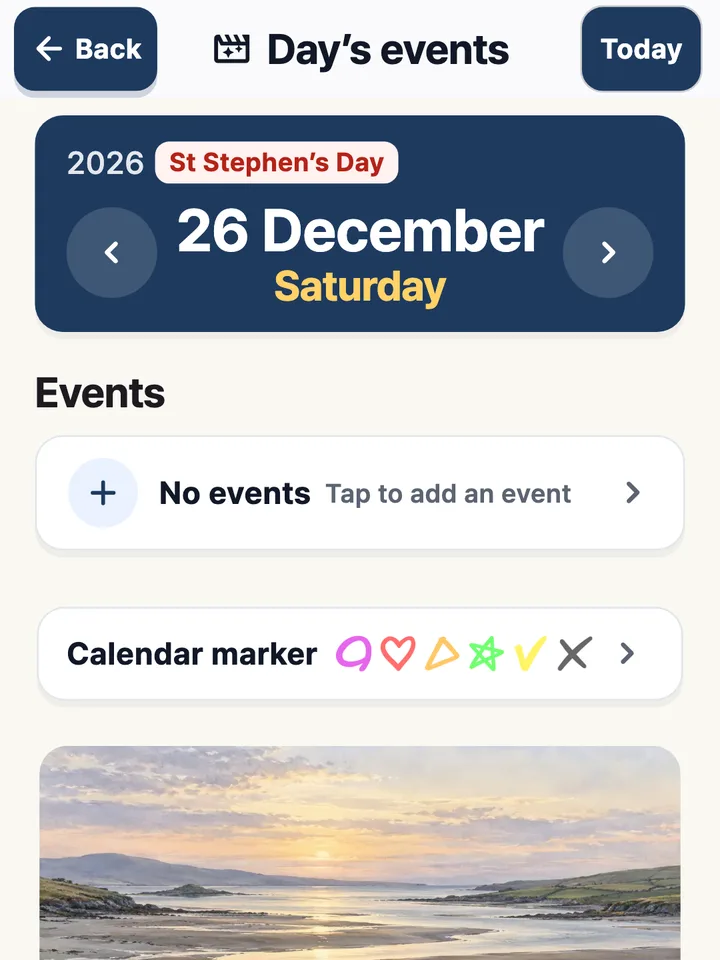
Public holidays
Clearly marked.
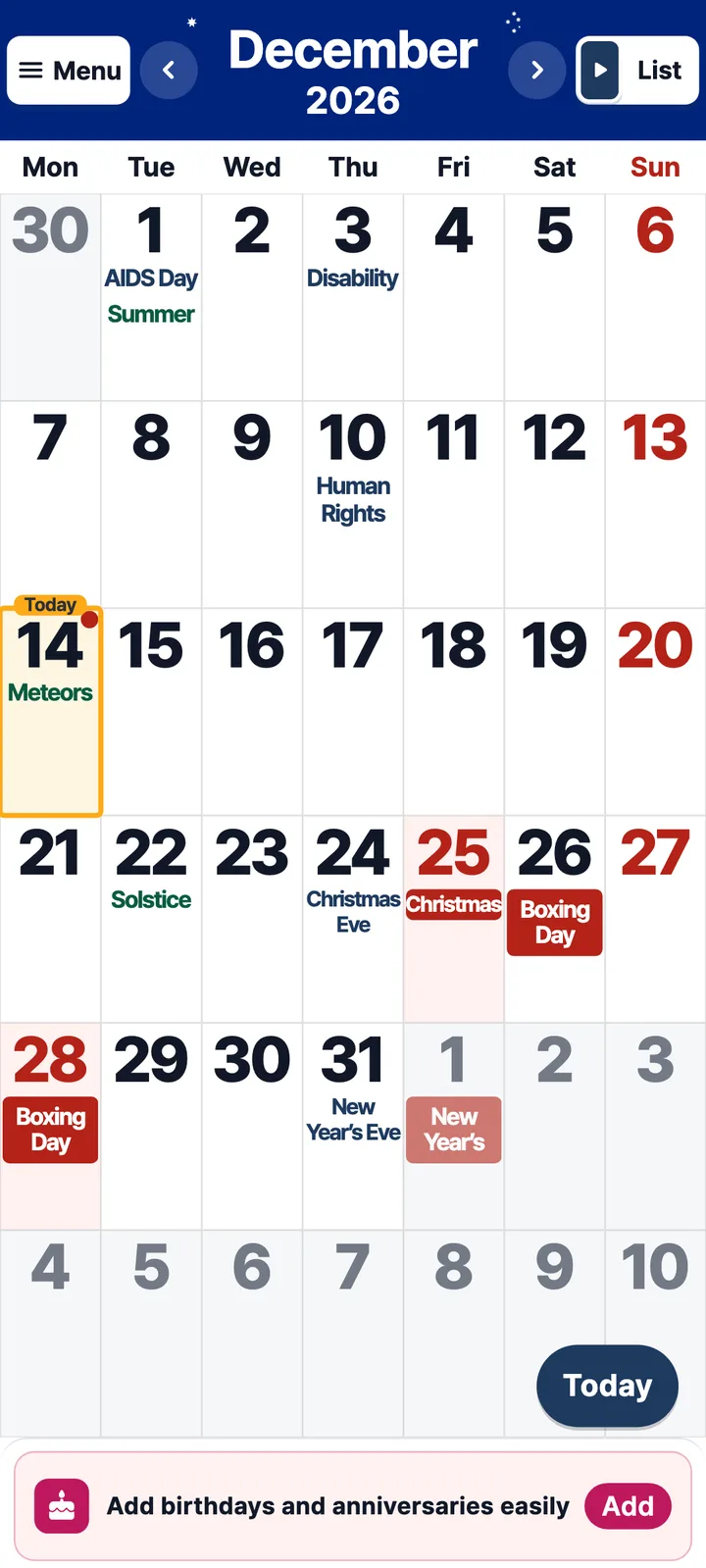
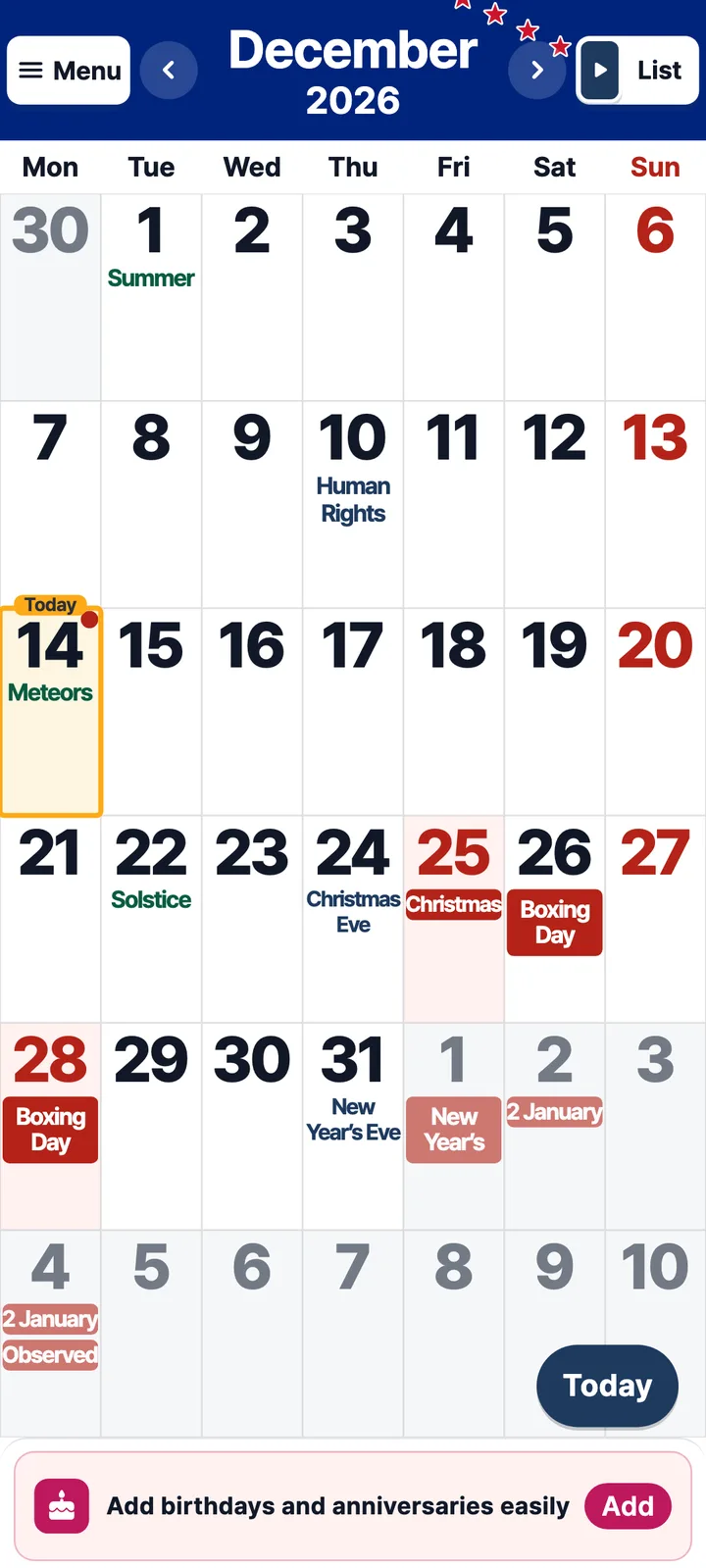
Every Irish public holiday, including St Patrick’s Day.
 Large Print Calendar
Big, clear dates, public holidays and today’s steps.
Watch the short video.
On a computer?Point your phone’s camera at a code to install.
 Google Play
 App Store
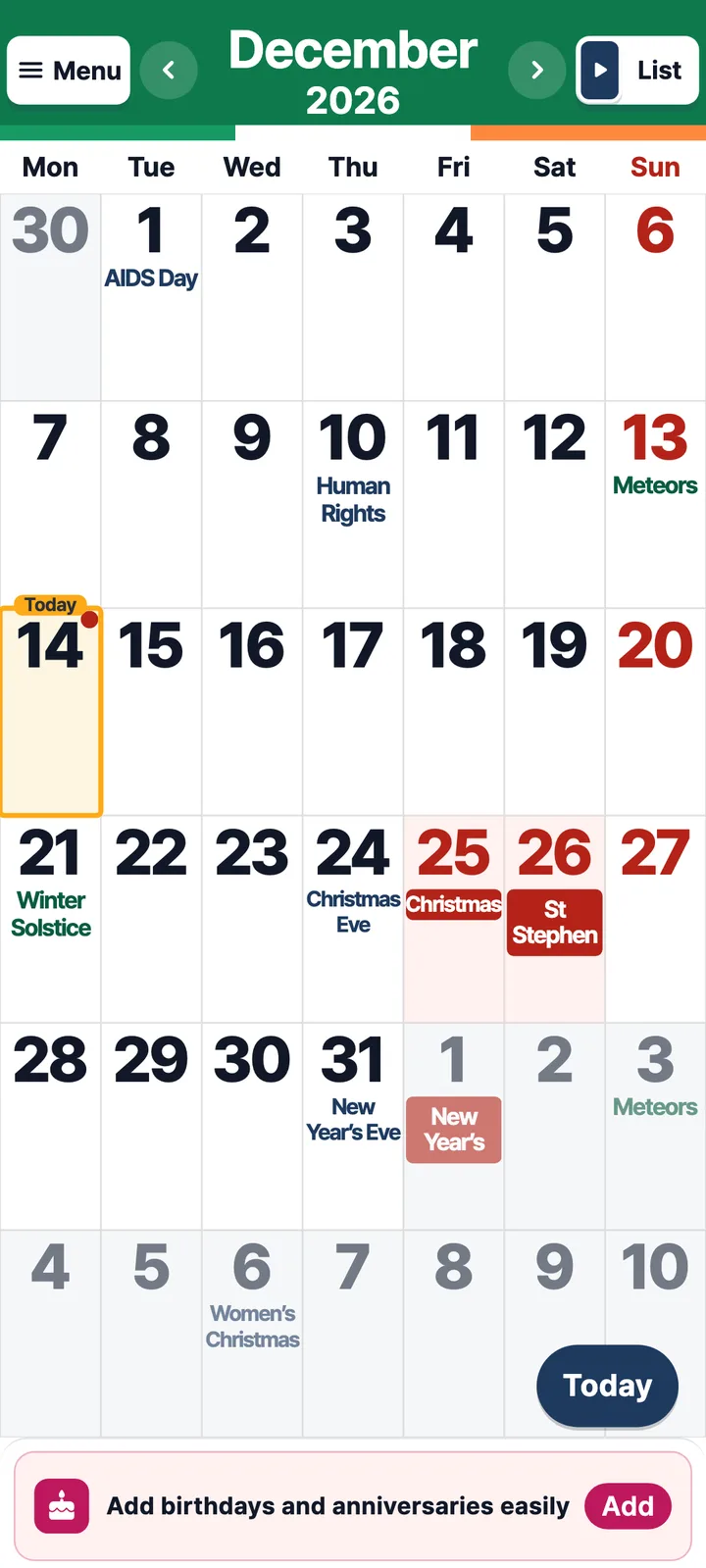
Dates, public holidays and plans you can read at a glance.
01 · Every day, at a glance
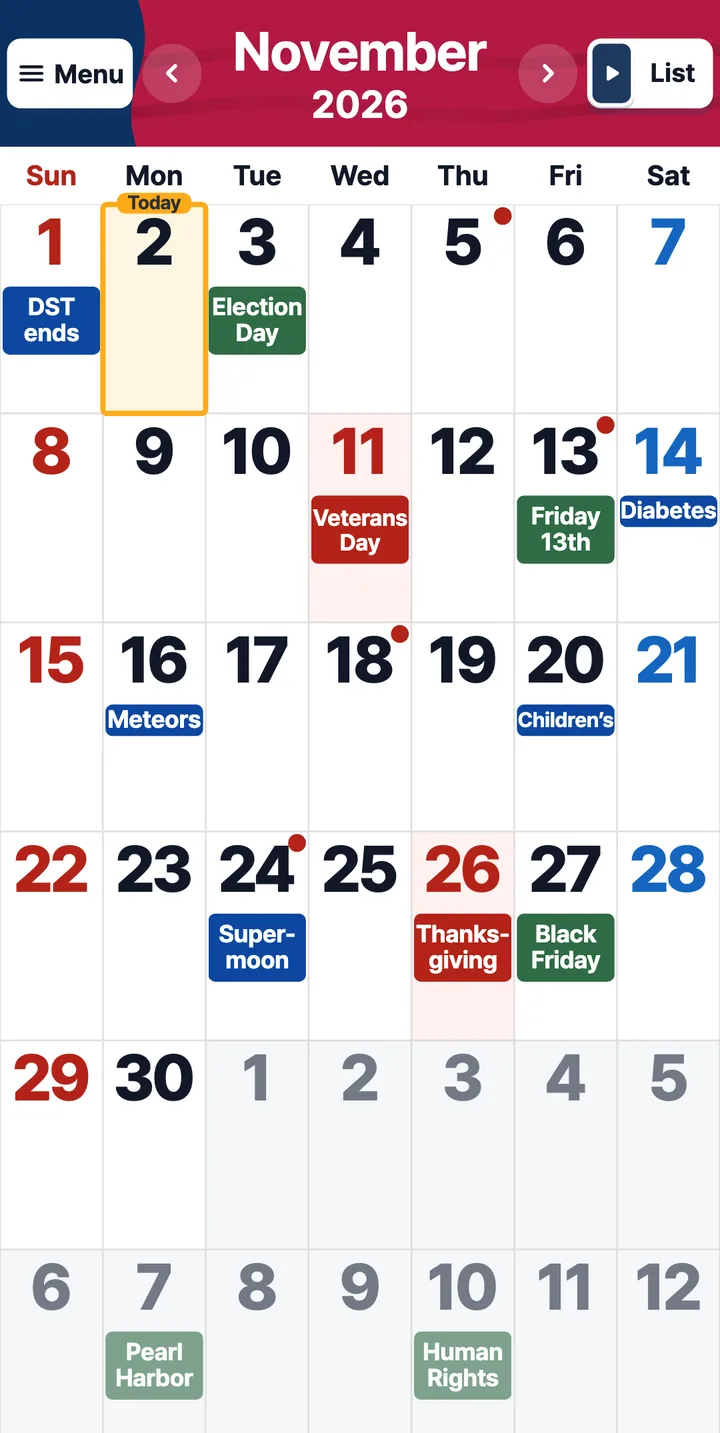
Irish public holidays, clearly marked,
with a picture for every month.
Every Irish public holiday, including St Patrick’s Day.
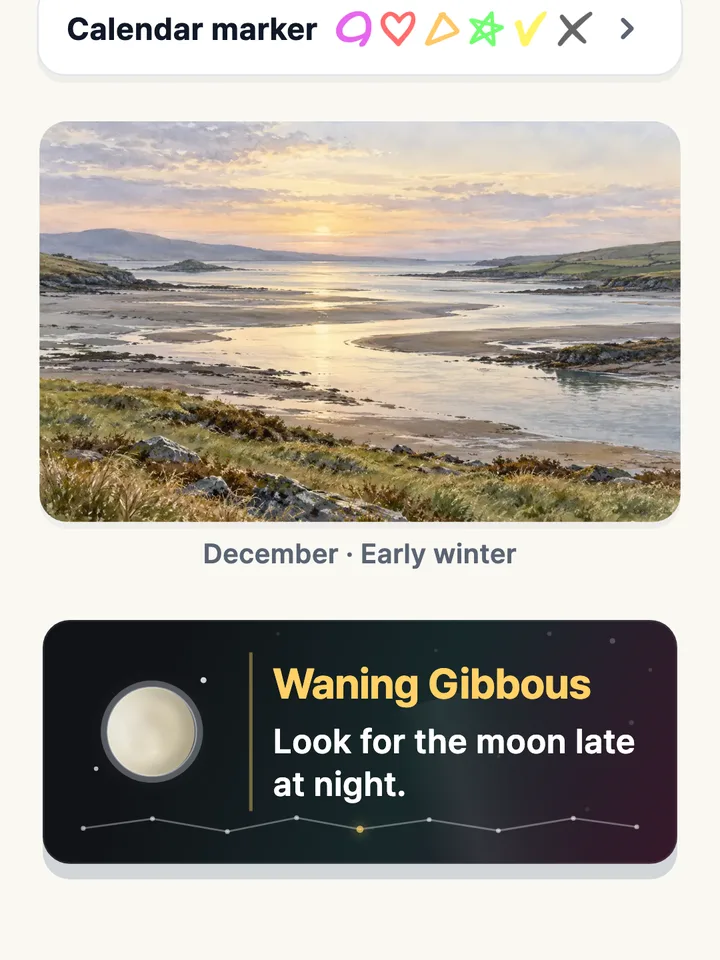
A seasonal picture and tonight’s moon, next to your plans.
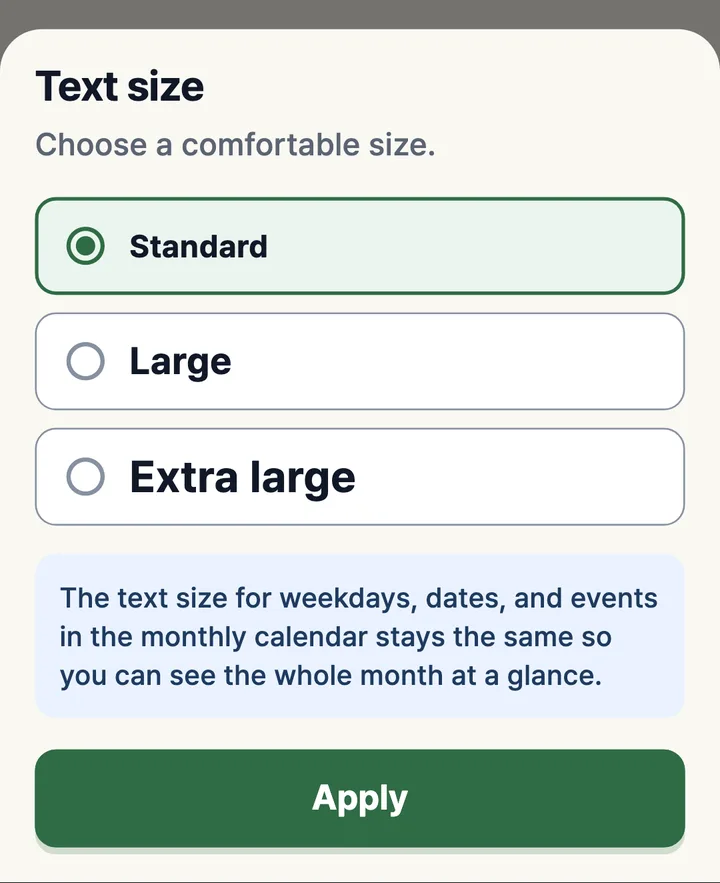
Standard, Large or Extra large. Pick what feels comfortable.
02 · Never miss a thing
Add a time and get a reminder
30 minutes before, or whenever you choose.
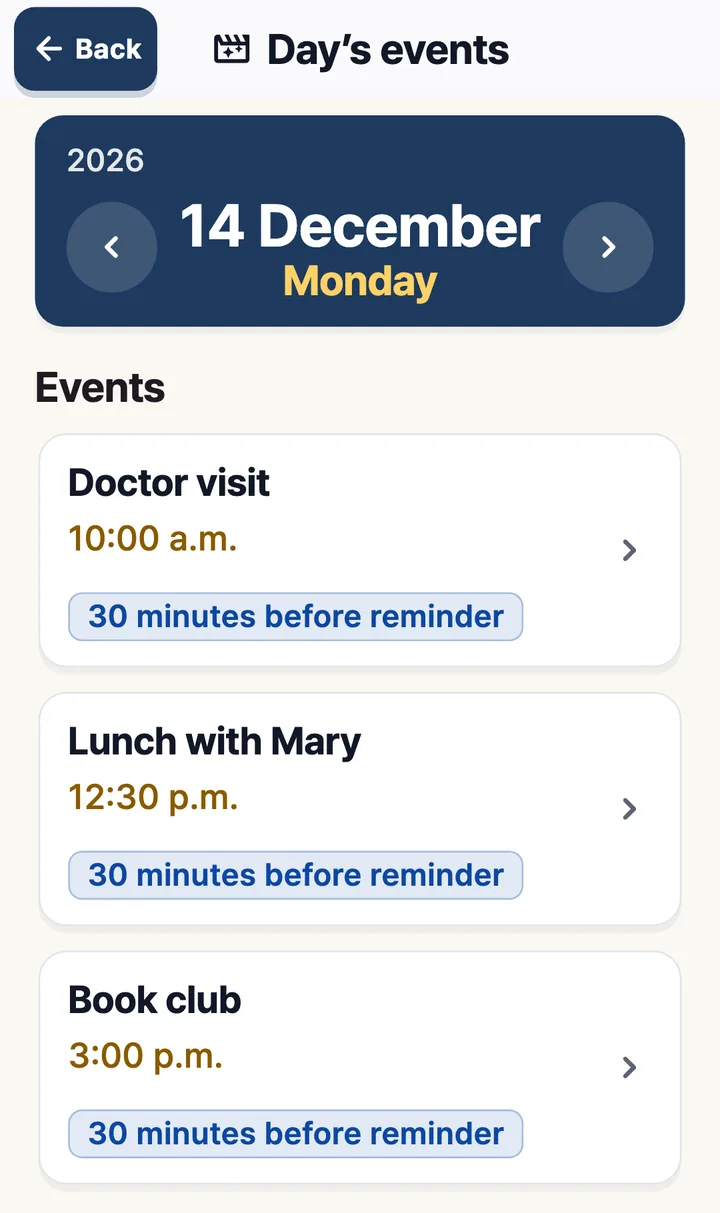
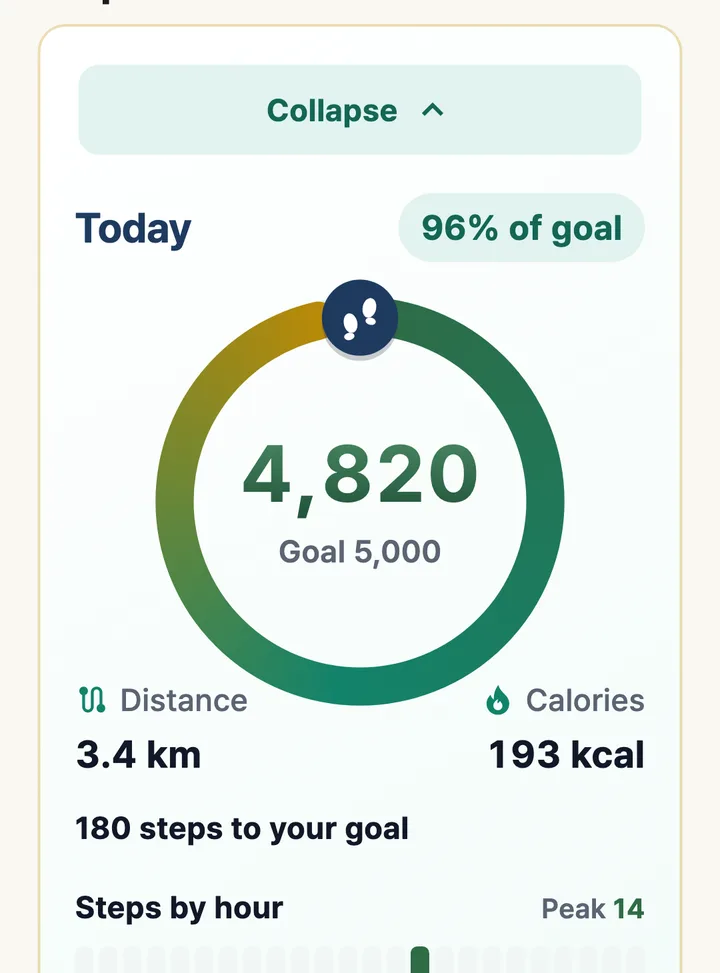
03 · A little walk every day
See your steps, distance and how far
to your goal, all in big type.
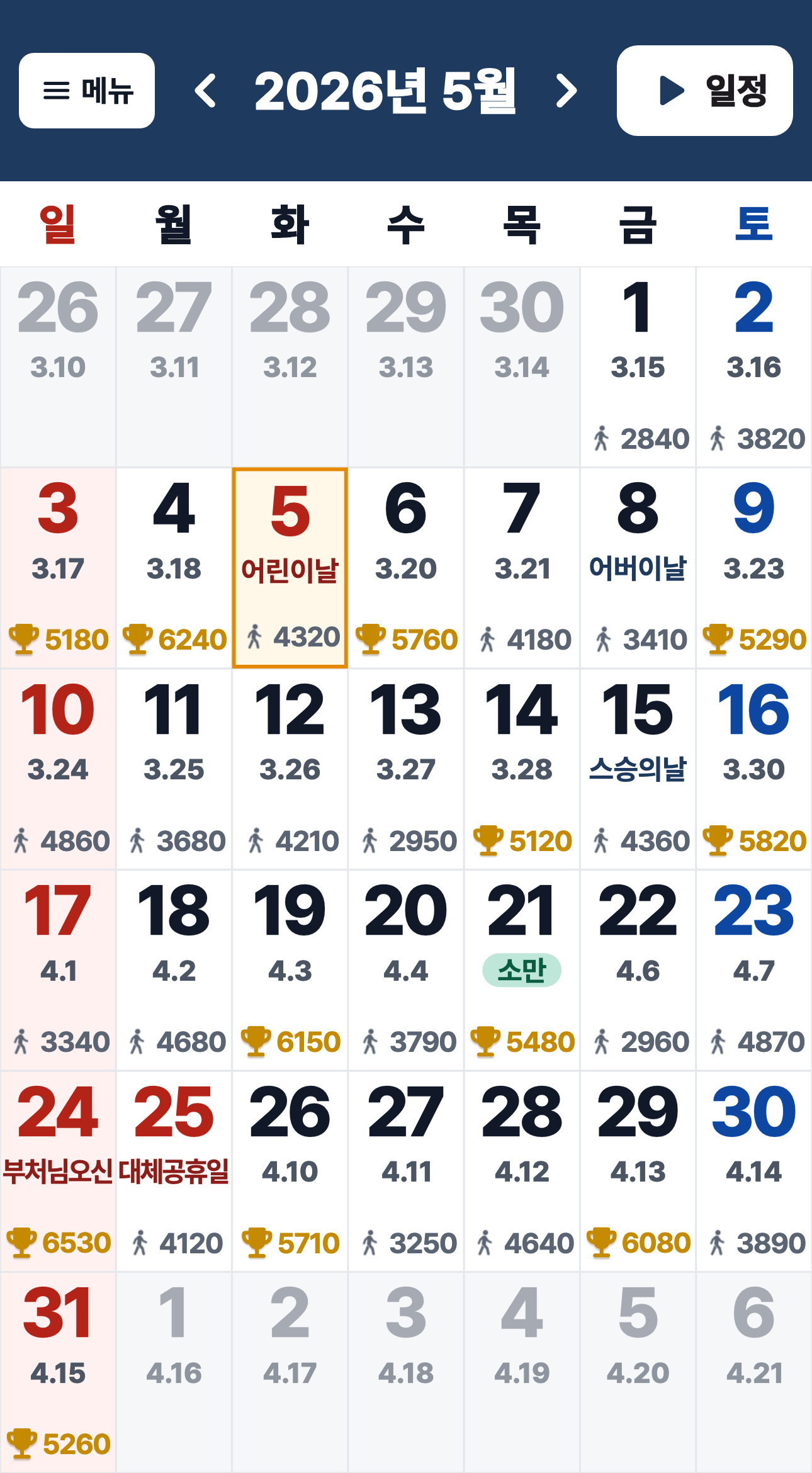
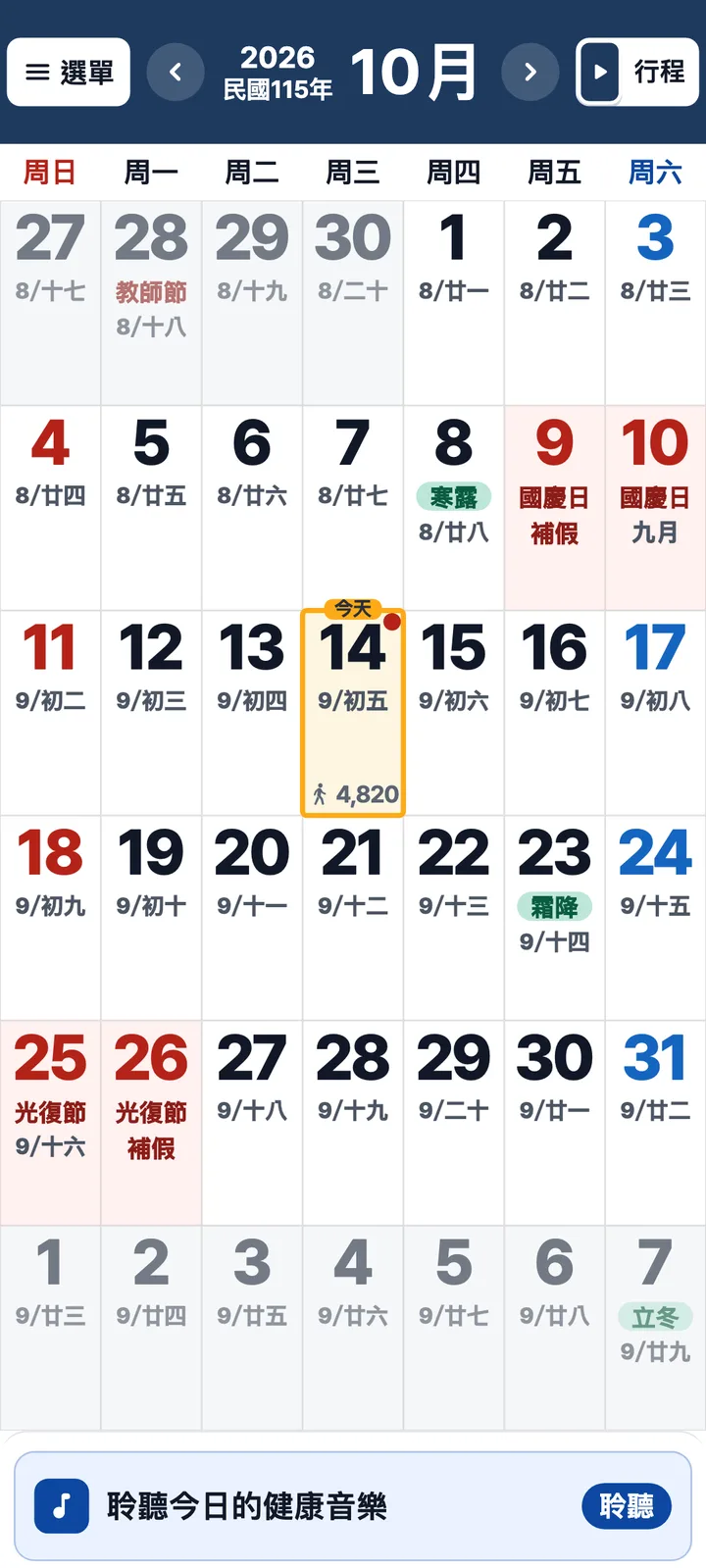
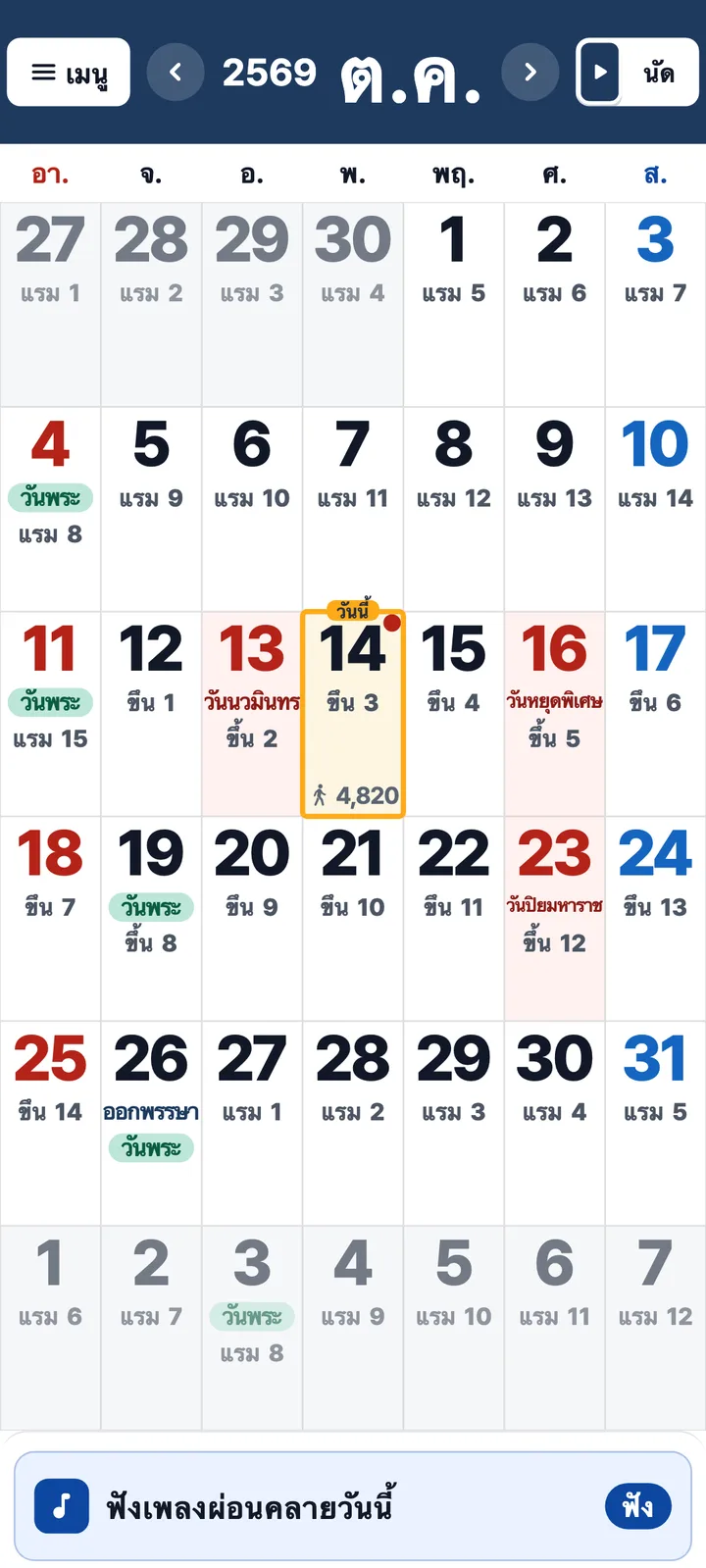
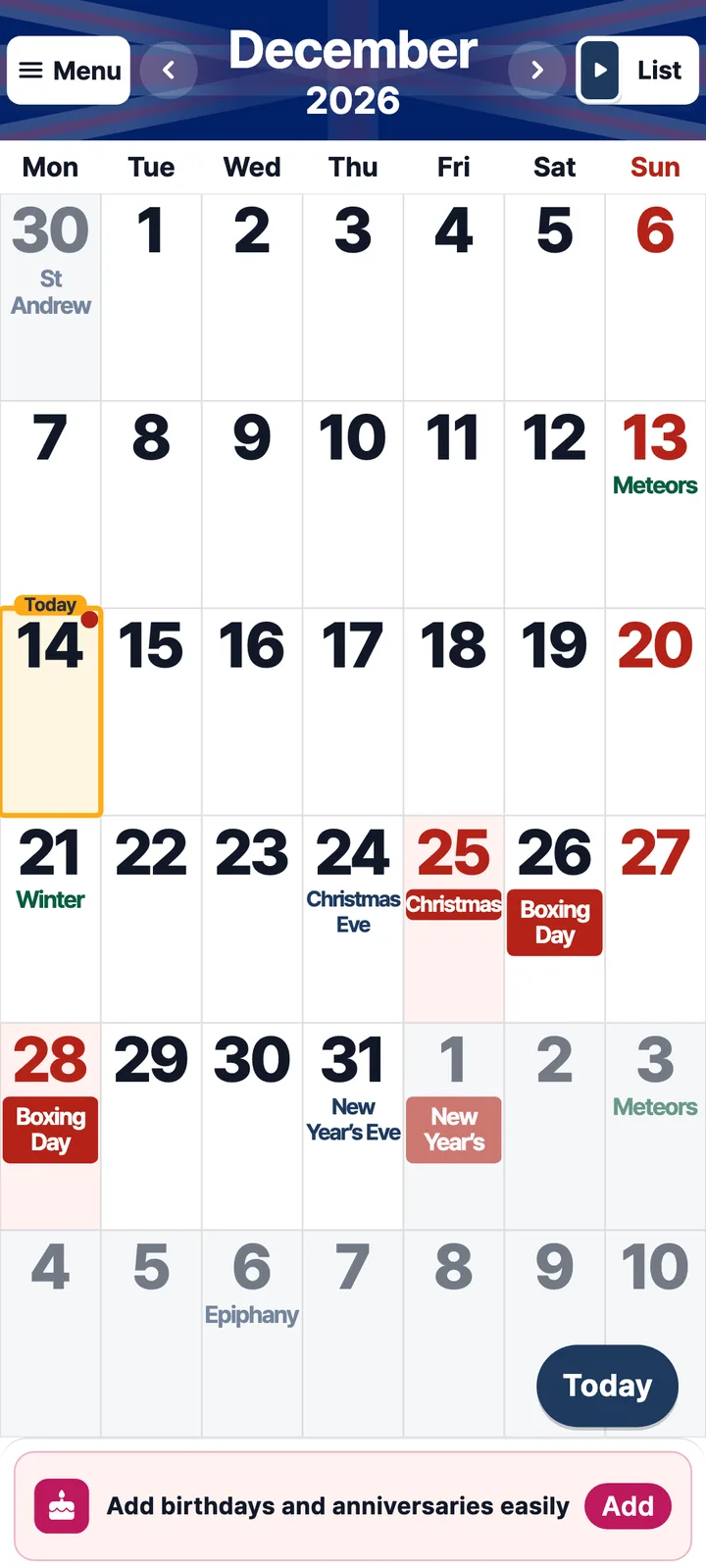
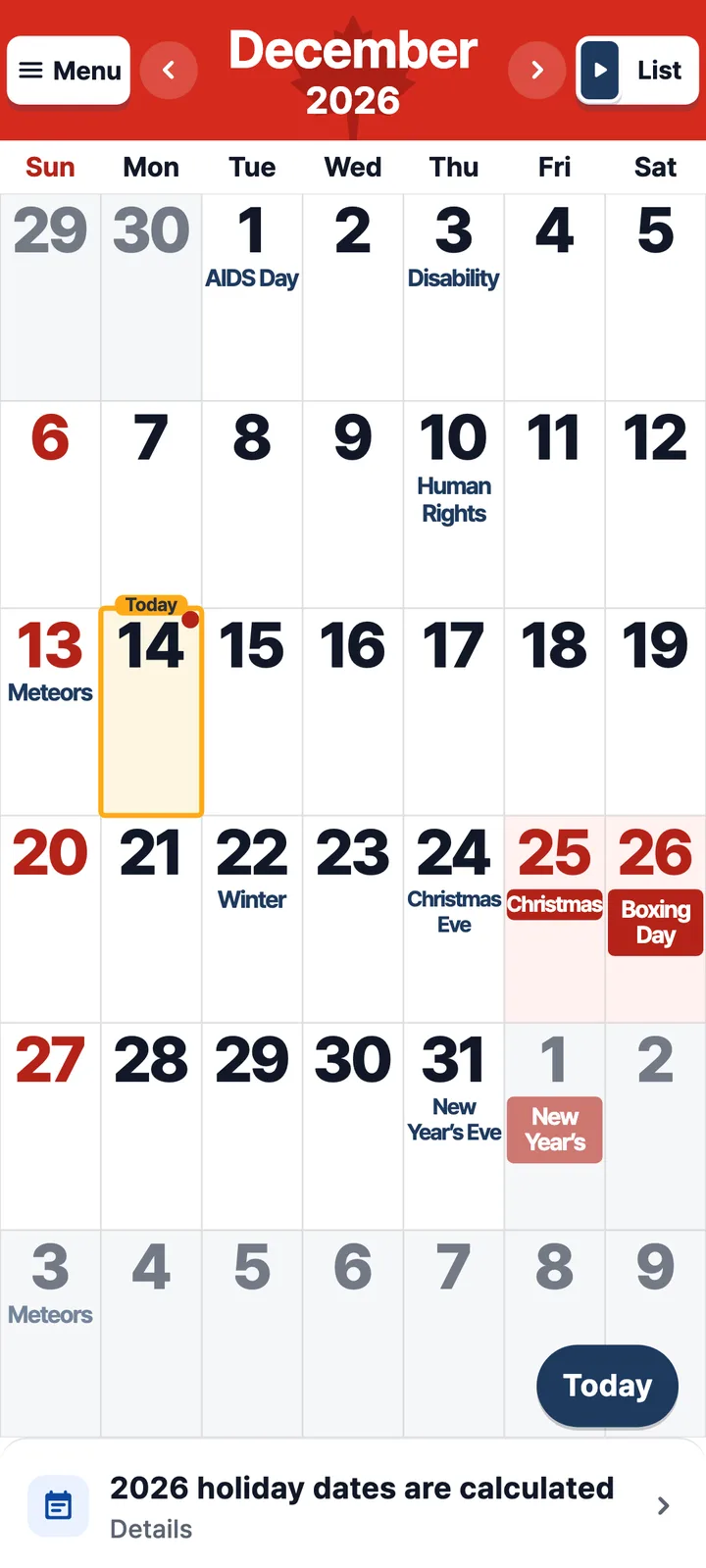
One app, made for each country
The same app shows each country's holidays and calendar customs.
Here is how it looks around the world.
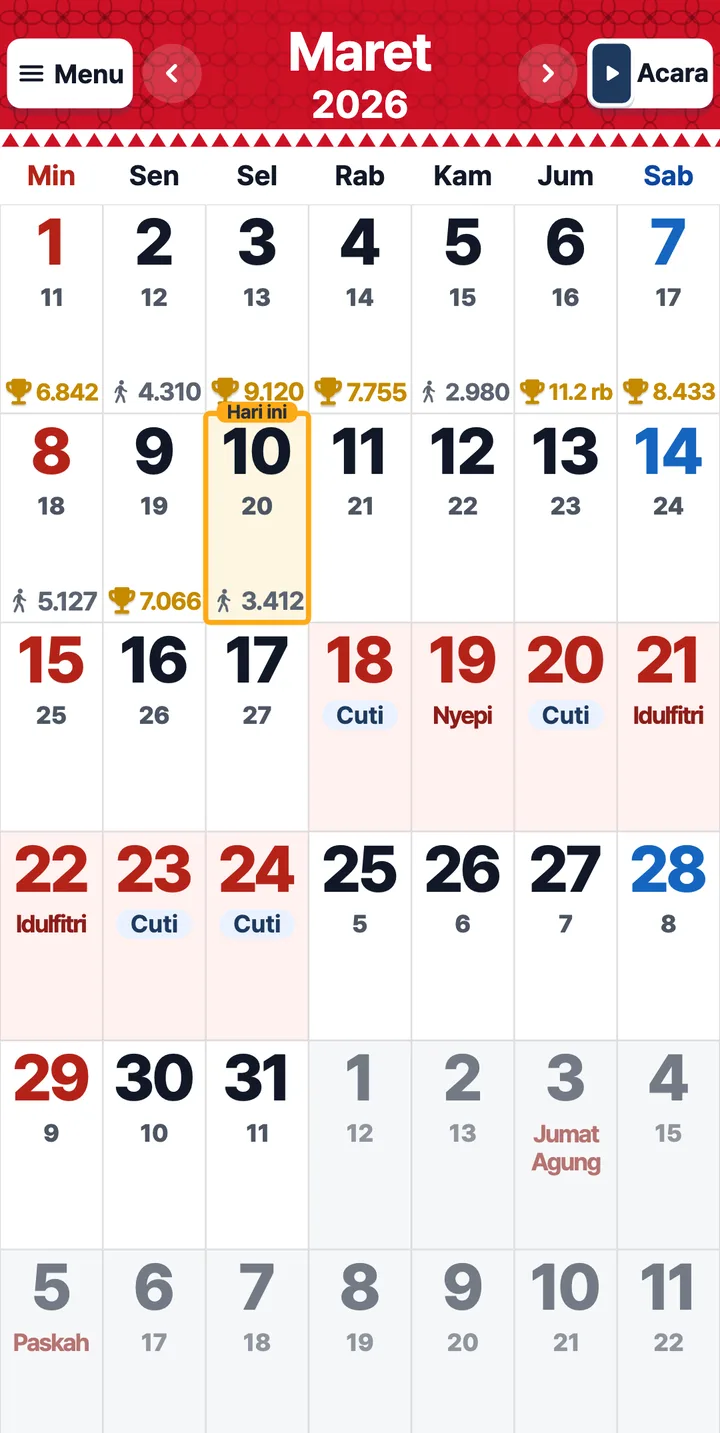
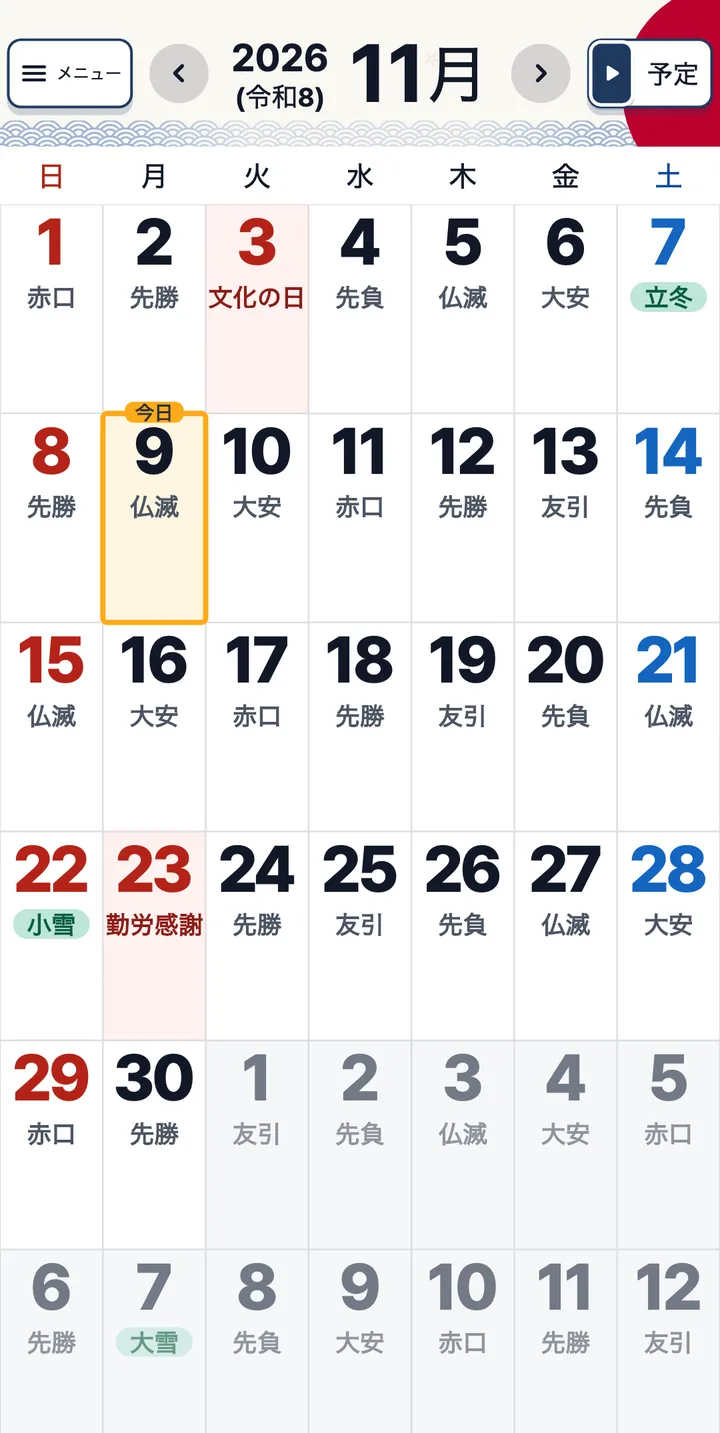
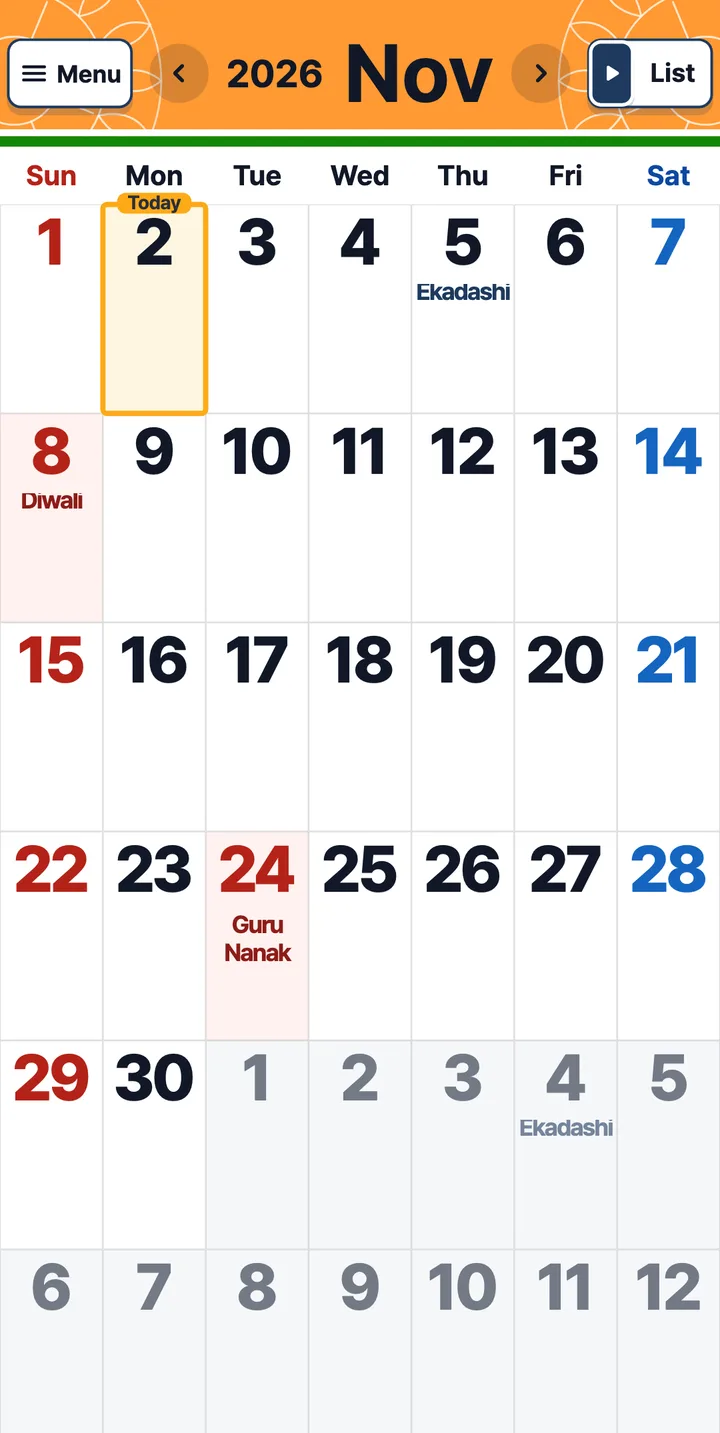
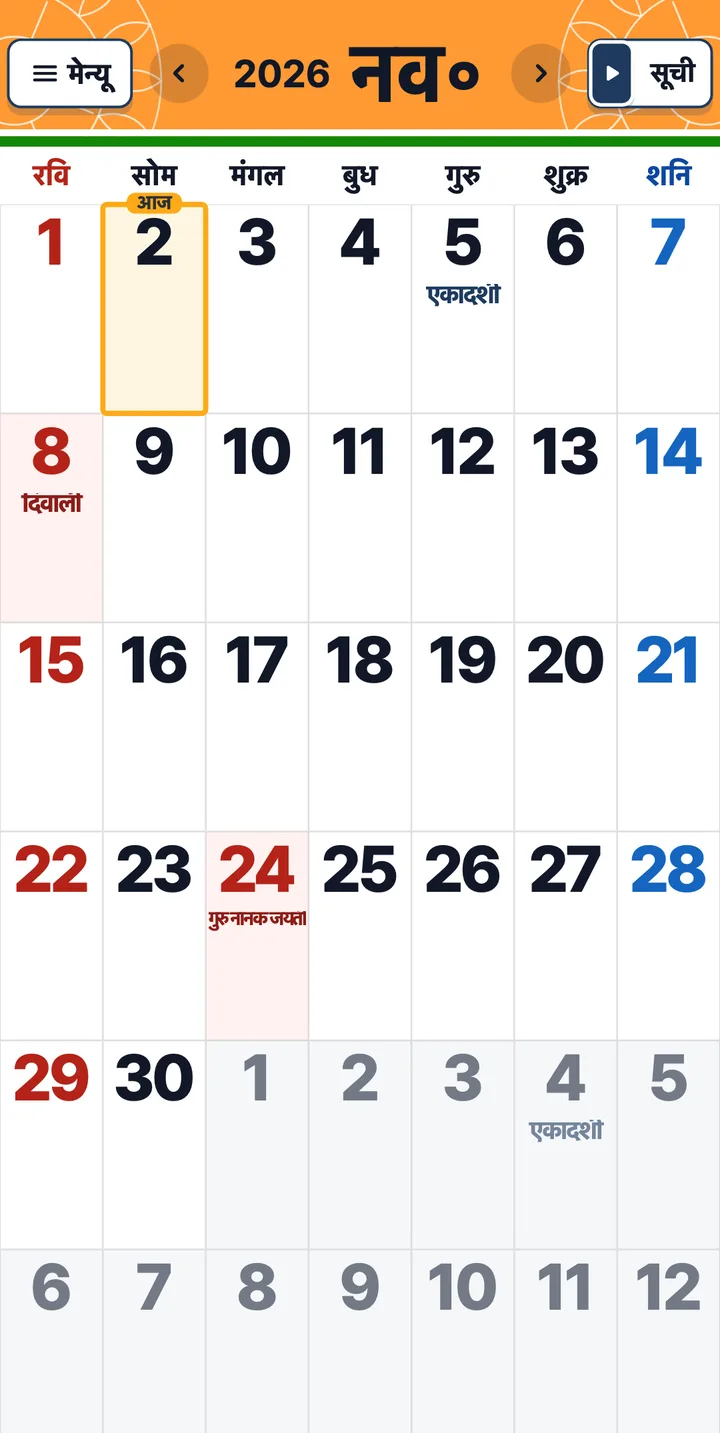
Free on iPhone and Android
Scan the code that matches
your phone.
Tap the button to open your app store,
then tap “Get” or “Install”.
The one you use for photos.
No need to take a photo. Just wait a moment.
Tap “Get” or “Install” and you’re done.
If no link appears, move your phone back a little so the whole code fits on the screen.
Yes. The button opens the app store on your phone. On a computer, scan the code that matches your phone.
Yes. Large Print Calendar is free to download.
Yes. In Settings, choose Standard, Large or Extra large for your events and menus.